
Guides
Adventure Log
Clan_Bot reads each player's Adventure Log to spot citadel caps. Two settings need to be on for that to work.
1. Make your RuneMetrics profile public
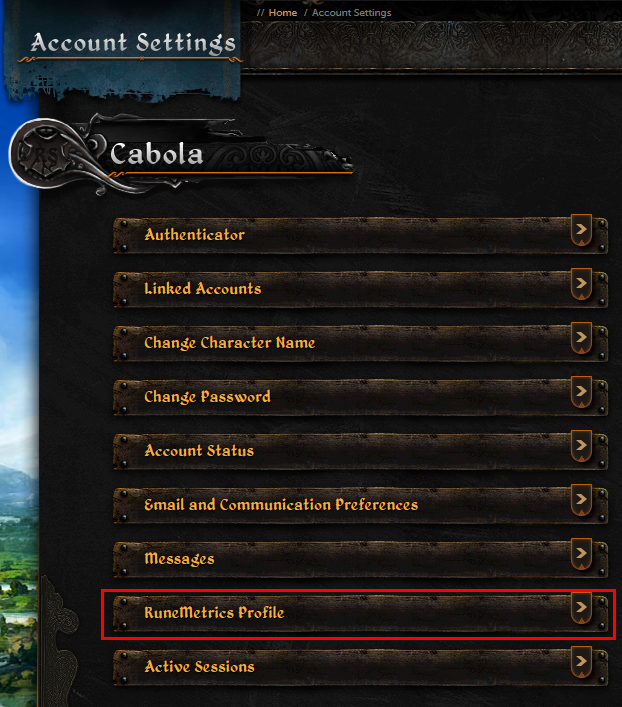
Sign in on runescape.com and open Account Settings, then RuneMetrics Profile.
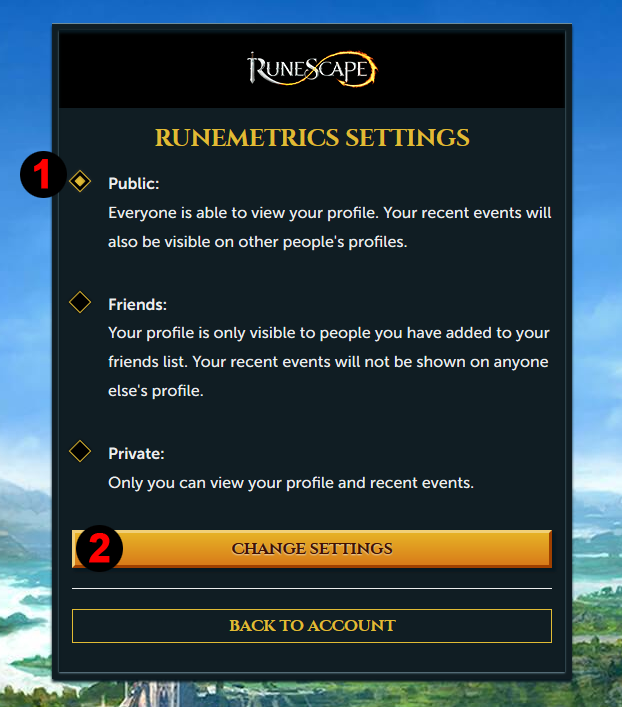
Choose Public, then press Change Settings.
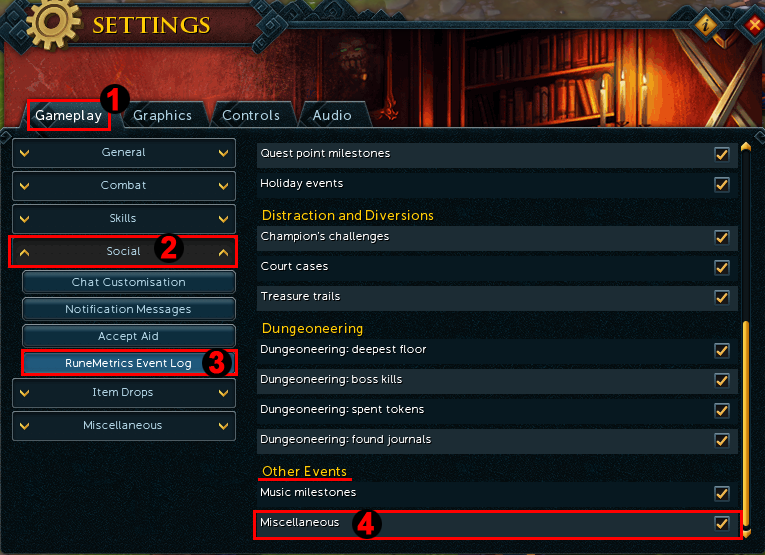
2. Record miscellaneous events in game
Citadel caps are logged as a miscellaneous event, which the game does not record by default for every account.
Open the game Options by pressing
Escor clicking the gear icon.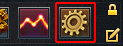
Go to Settings, then Gameplay, then Social, then RuneMetrics Event Log.
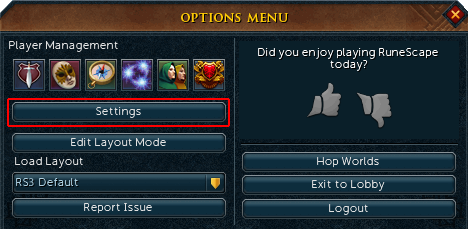
Under Other Events, tick Miscellaneous.
Only the latest 20 entries
The Adventure Log only holds the latest 20 entries. A very active player can push a cap out of the log before it is picked up. If that happens, record it yourself with /cap.